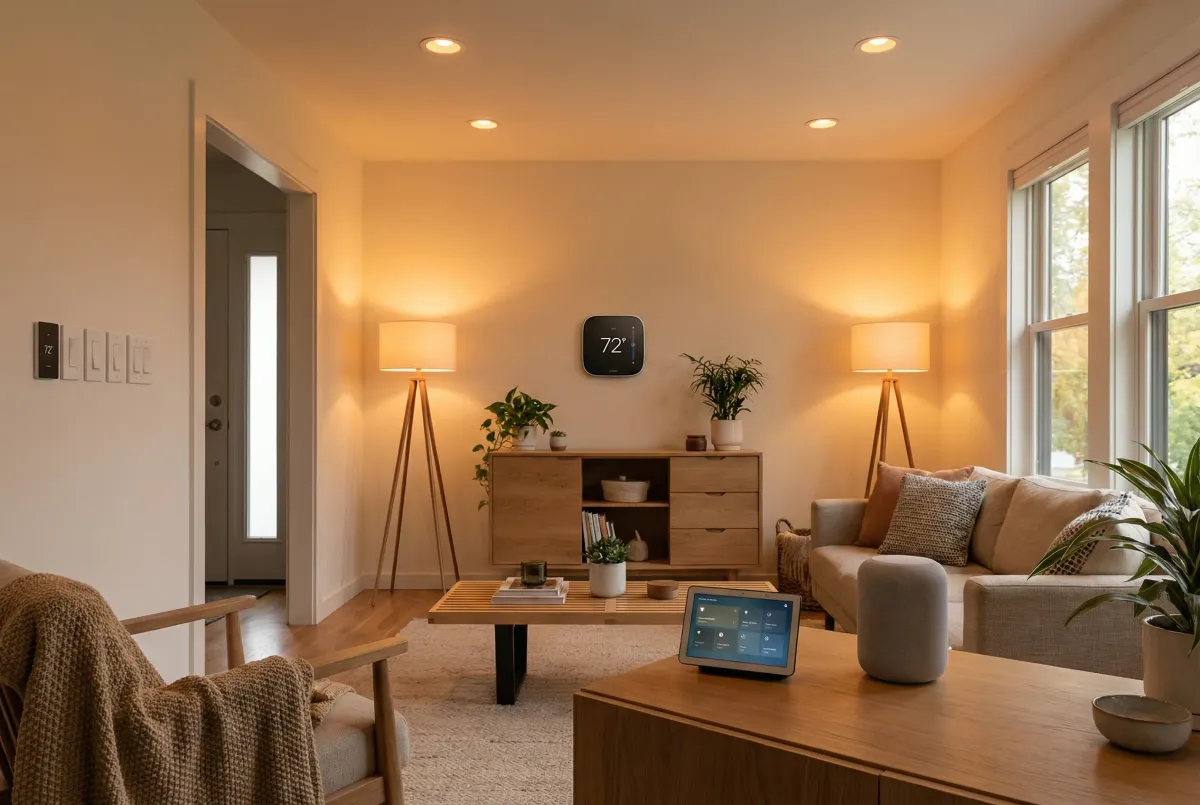
You probably have a few smart home devices sitting around doing the bare minimum. A smart bulb you turn on and off with your phone. A thermostat you adjust manually. Maybe a speaker that plays music when you remember to ask it.
I get it. I spent two years with a “smart” home that was basically a collection of expensive switches. Then I started digging into what these things can actually do. Turns out, there’s a lot more potential hiding in the apps and settings most of us never touch.
1. Buy devices that solve actual problems
I learned this the hard way after buying a $40 smart egg tray that tells me when I’m running low on eggs. Spoiler: I can see that myself when I open the fridge.
Before buying anything new, ask yourself what daily annoyance it actually fixes. A smart thermostat that learns your schedule and saves money on heating bills? That’s useful. A Wi-Fi-enabled trash can? Probably not.
Pick one ecosystem and stick with it. I started with Google Home, added some Alexa devices, then tried HomeKit. Now I have three different apps to control lights in the same room. Don’t be me.
2. Fix your Wi-Fi first
Nothing kills the smart home vibe faster than devices that randomly stop responding. I spent months troubleshooting individual gadgets before realizing my router was the problem.
If you have more than 10 connected devices, your old router is probably struggling. Wi-Fi 6 routers handle multiple connections much better. For larger homes, mesh systems work better than range extenders—I learned this after buying three extenders that created more problems than they solved.
Quick test: If devices more than 30 feet from your router act flaky, you need better coverage before adding more gadgets.
3. Set up lighting that actually helps
Smart bulbs are great, but most people just use them as expensive on/off switches. The real benefit comes from scheduling and color temperature changes.
I set mine to follow a circadian rhythm:
- Morning: Bright white light (4000K) to help wake up
- Evening: Warm light (2700K) that doesn’t mess with sleep
- Bedtime: Very dim red light for late-night bathroom trips
Motion sensors in hallways and bathrooms are genuinely useful. Set them to full brightness during the day, but only 20-30% from 10 PM to 6 AM. Your future sleepy self will thank you.
4. Program your thermostat like an energy engineer
A friend who works in energy efficiency shared his thermostat schedule, and it cut my heating bill by about 20%. The trick is pre-cooling or pre-heating when electricity is cheaper.
His daily schedule:
- 5:00 AM: 72°F (cool down before the day starts)
- 8:30 AM: 73°F (comfortable for working)
- 3:15 PM: 70°F (use cheap afternoon electricity to pre-cool)
- 4:00 PM: 74°F (reduce usage during expensive peak hours)
- 10:00 PM: 76°F (start warming up for sleep)
- Midnight: 78-82°F (save money while sleeping)
If your utility has time-of-use rates, this makes a bigger difference. Peak hours (usually 4-9 PM) can cost 3x more than off-peak.
5. Set up “nobody’s home” automation
I wasted probably $200 in electricity before setting this up. Lights left on, AC running full blast in an empty house, TV streaming to no one.
The trick is making sure everyone actually left. I tried location-based automation that turned everything off when I left, but that meant my family came home to a dark, hot house. Not popular.
Better approach: Set it to activate only when everyone’s phone is gone AND no entertainment devices are running. Most smart home apps can check if your TV or speakers are active.
What gets turned off:
- All lights except security ones
- Thermostat goes to energy-saving mode
- Internal security cameras turn on
- Outdoor lights switch to motion-only mode
6. Stop the morning speaker volume jump scare
Nothing ruins a peaceful morning like asking Alexa to play music and getting blasted at full volume because someone was jamming out the night before.
Set a daily routine at 7 AM to reset all speakers to 30-40% volume. Include every smart speaker in the house—upstairs, downstairs, kitchen, wherever. Do the same thing at 9 PM to bring it down to 20-25% for evening use.
Takes 30 seconds to set up, saves your eardrums forever.
7. Make your porch uninviting to unwanted visitors
Motion detection notifications are nice, but they don’t actually deter anyone. I wanted something more active.
When my doorbell camera detects a person (not just motion—cats and delivery trucks don’t count), it:
- Blasts all outdoor lights to 100%
- Flashes the indoor lights facing the street
- Plays a doorbell chime inside so I know someone’s there
- Sends a phone notification
Most people selling something or casing houses don’t stick around when the place lights up like a Christmas tree. Legitimate visitors just think you have a fancy doorbell system.
8. Set up guest mode so visitors don’t break things
My smart home confuses guests. They can’t figure out how to turn on lights, they mess with the thermostat, and they ask me how to make the TV work.
Solution: Create limited guest access. Google Home lets you add people as “Members” with access to specific rooms. Apple HomeKit is more granular—you can lock guests out of security cameras and thermostats while giving them basic light control.
Amazon Alexa is trickier because guest access shares your payment methods. I just teach visitors the basic voice commands: “Alexa, turn on living room lights” and “Alexa, turn off bedroom lights.”
9. Lock down your thermostat
Nothing drives me crazier than someone cranking the AC to 65°F in summer or the heat to 80°F in winter. Smart thermostats let you set PIN codes to prevent manual adjustments.
If your thermostat doesn’t support PINs, create a schedule that resets to your preferred temperature every few hours. Sneaky but effective.
For multi-story homes, this is especially important. Heat rises, so the upstairs thermostat always wants to run the AC harder than necessary.
10. Get notified when laundry is done
I used to forget loads in the washer for hours. Wet clothes sitting there getting musty while I’m upstairs working. Smart notifications fixed this completely.
If you have connected appliances, use the built-in notifications to trigger announcements on your smart speakers. My LG washer tells Google Home when it’s done, and Google announces it throughout the house.
Don’t have smart appliances? Get a smart plug that monitors energy usage (make sure it’s rated for 15+ amps). When the washer stops drawing power, it triggers a notification. You can set lights to flash red or turn on all the lights briefly as a visual reminder.
11. Don’t water the lawn when it’s raining
My husband set up smart sprinklers and programmed them to run every morning at 6 AM. Great idea, except they kept running during rainstorms. We were literally watering the grass while it was pouring.
Smart sprinkler systems like B-Hyve have weather override features built in. For regular sprinklers, connect them to an outdoor smart plug and set up weather-based automation.
Apple HomeKit is actually the best for this—you can create shortcuts that check the weather forecast and skip watering if there’s more than a 30% chance of rain.
12. Create a work-from-home focus mode
Working from home with a smart house can be distracting. Notifications pinging, TVs turning on randomly, security cameras watching me eat cereal in my pajamas.
I set up a “work mode” that activates at 9:30 AM on weekdays:
- Office lights go to bright, focused settings
- All entertainment devices turn off
- Internal security cameras disable (nobody needs to watch me work)
- Smart speakers go to “Do Not Disturb”
If you have an iPhone, you can link this to Focus modes. When your phone goes into work mode, your house follows along automatically.
13. Monitor your garage door without fancy sensors
I kept leaving the garage door open and not realizing it until hours later. Installing a proper garage door sensor seemed like overkill for my forgetful brain.
Simpler solutions:
- Point a cheap security camera at the door (one with SD card storage works fine)
- Use a $20 ZigBee tilt sensor stuck to the door
- Set up location-based alerts that only check when everyone leaves
The key is only getting alerts when it actually matters—when nobody’s home to close it.
14. Set up background music and sounds
I work better with background noise, but I kept forgetting to start my focus playlists. Voice commands work, but I wanted it automatic.
Set up scenes that combine lighting and audio:
- “Hey Google, it’s chill time” → Dims lights and plays binaural beats
- “Alexa, focus mode” → Bright lighting, nature sounds, 2-hour timer
The timer is important—nothing worse than realizing your “relaxing ocean sounds” have been playing for 8 hours straight.
15. Actually maintain your smart home
Smart home devices are basically computers, and like computers, they need updates and maintenance. I learned this after my doorbell camera got hacked because I never updated the firmware.
Monthly checklist:
- Update device firmware through manufacturer apps
- Check Wi-Fi signal strength for flaky devices
- Review automation routines (some might not make sense anymore)
- Clean camera lenses and sensor surfaces
Treat security updates seriously. An outdated smart lock or camera is worse than no smart device at all.
Start small and build up
Don’t try to automate everything at once. I made that mistake and ended up with a house that was more complicated than helpful.
Week 1: Fix your Wi-Fi and set up basic lighting schedules Week 2: Add thermostat programming and away routines Week 3: Set up security features and guest access Week 4: Add convenience automations and maintenance routines
The best smart home is one you don’t think about. It should quietly make your life easier without requiring constant attention or troubleshooting.
Start with the basics, see what actually helps your daily routine, then build from there. Your future self will thank you for taking it slow.