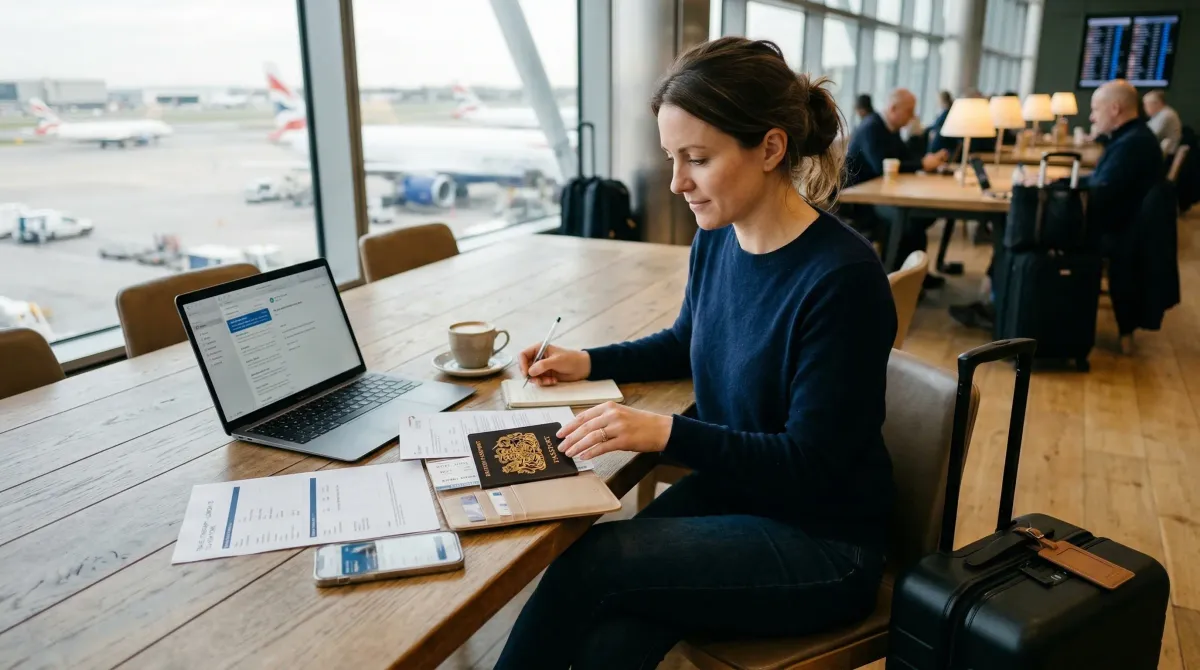
Most trips go exactly as planned on the document side. Your passport stays where it belongs. Your ID works. Your confirmation emails sit quietly in your inbox and never become “important.”
Then one bag goes missing, one wallet disappears, or one airline desk asks for a number you do not have handy, and suddenly the boring prep matters a lot.
That is why I like a travel document backup checklist. It is not about planning for disaster in some dramatic way. It is about making sure that if your passport, visa record, or wallet goes missing, you are not trying to rebuild your whole trip from memory on a weak airport Wi-Fi connection.
This version is built around official guidance from the U.S. Department of State, TSA, and the Government of Canada. I kept it focused on the backups that are genuinely useful when something is lost, stolen, or just inaccessible at the wrong time.
How we built this checklist
A good backup set should help you do three things fast:
- prove who you are
- show what trip you booked
- reach the right person or office without digging
That is it. You do not need a travel binder thick enough to count as luggage. You need the right copies in the right places.
Travel Document Backup Checklist: 10 Things to Save Before You Leave Home
1. Save a clear copy of your passport ID page
If you take only one backup step before an international trip, make it this one.
The U.S. Department of State says travelers should gather required travel documents and make multiple copies so they can replace originals if those documents are stolen or lost. Its traveler tip card is even more direct: carry copies of your passport ID page while overseas.
Make a clean digital copy of the page with your photo, passport number, and expiration date. Check that every line is readable. A dark, crooked phone photo taken on the couch does not count. If you ever need consular help, airline help, or just the passport number for a report, this is the page you will want first.
2. Save visas, entry approvals, and residency documents too
People remember the passport and forget the paperwork attached to it.
If your trip depends on a visa, an entry permit, an ESTA or eTA approval, a residence permit, or any country-specific authorization, back that up the same way you back up the passport itself. The State Department’s traveler materials specifically mention carrying copies of your foreign visa. That part matters, because replacing a passport is only one piece of the problem if the trip also depends on another document.
Put those files in the same folder as your passport copy so you are not hunting through screenshots later.
3. Back up your second form of ID and any travel program cards
Your passport is not always the only document that keeps a trip moving.
TSA says adults 18 and older must show valid identification at the checkpoint, and as of May 7, 2025, standard state IDs that are not REAL ID compliant are no longer accepted for airport screening in the United States. TSA also lists acceptable alternatives such as passports, passport cards, trusted traveler cards, and certain digital IDs. It also notes that travelers using digital ID still need to carry a compliant physical ID.
So back up the other ID you may actually use:
- driver’s license or state ID
- passport card
- Global Entry, NEXUS, or other trusted traveler card
- residency card or work permit if relevant to your trip
You are not doing this because a screenshot replaces the original. It does not. You are doing it because if something goes missing, having the document number and exact details makes the next conversation much easier.
4. Save your flight, train, and lodging confirmations in one easy place
This is the least glamorous item on the list, and it saves a surprising amount of stress.
If your phone battery dies, your app logs you out, or your bag with your laptop disappears, you still want quick access to:
- flight confirmation numbers
- rail or bus tickets
- hotel confirmations
- vacation rental addresses
- host, hotel, or property contact details
I would not leave this stuff scattered across ten emails. Put it in one folder, note, or PDF packet that makes sense at a glance. When people get stressed, they do not need a smarter system. They need a simpler one.
5. Save the address of every place you are staying
Not just the booking receipt. The actual address.
This matters more than people think. If your phone is offline, if a taxi driver asks where you are going, if your bag tag needs a local address, or if you need to file a report after something goes missing, “the place near the station” is not going to help much.
For each stop on the trip, save:
- full street address
- phone number
- check-in instructions if there is no front desk
- the local contact name if you are staying in a rental
This is one of those tiny prep steps that makes a rough travel day feel a lot less messy.
6. Save insurance details and emergency phone numbers
If you buy travel insurance, save more than the policy PDF.
Keep the policy number, emergency assistance number, and claims instructions somewhere you can reach without digging through your inbox. The same goes for card issuers if you rely on a credit card for travel protection or emergency replacement help.
I like to keep a short emergency list with:
- travel insurance number
- health insurance contact if it applies abroad
- credit card international help line
- airline customer service number for the trip
The State Department’s international travel checklist also reminds travelers that the U.S. government does not cover their overseas costs. That is one more reason to know exactly what support you do and do not have before you leave.
7. Save embassy or consulate contact details and enroll in STEP if it applies
When something goes wrong abroad, people waste time looking up who to call. Do that part at home instead.
The U.S. Department of State says travelers should review embassy and consulate contact information for their destination and enroll in the Smart Traveler Enrollment Program, or STEP. It says STEP helps the embassy or consulate reach you or your emergency contact in an emergency and send security or travel updates.
If you are a U.S. traveler, save:
- the nearest U.S. embassy or consulate for your destination
- the after-hours emergency contact path
- your STEP enrollment confirmation
If you are not a U.S. traveler, do the same with your own country’s consular services. The principle is the same even when the program name changes.
8. Keep one secure cloud copy and one offline copy
The official guidance says to make multiple copies. In practice, that means not trusting a single phone album.
I would keep:
- one digital copy in a secure cloud folder you can access from another device
- one offline copy on your phone, tablet, laptop, or encrypted storage
Why both? Because cloud access is great until you cannot get a signal, cannot remember a password, or cannot complete a sign-in challenge on the device you just lost. Offline access is great until the lost item was the only device holding it.
Two copies in two different ways is much more resilient than one “somewhere on my phone.”
9. Carry paper copies, but keep them separate from the originals
Digital backups are useful. Paper still wins sometimes.
The Government of Canada tells travelers to carry government-issued photo ID and photocopies of the identification page of the passport and other travel documents in case they are lost or stolen. The State Department also recommends multiple copies for the same reason.
Carry a printed set, especially for longer or more complicated trips. Just do not store it in the same wallet holder or passport pouch as the originals. If everything is in one place, one stolen bag wipes out the whole system.
A better setup is simple:
- originals on you
- paper copies in a different bag
- digital copies accessible from a second device or secure login
That is enough for most travelers. No need to turn it into an office filing cabinet.
10. Save a short note with your first steps if a passport is lost
This might be the most overlooked backup of the lot.
The U.S. Department of State says a lost or stolen passport should be reported immediately. It notes that once reported, the passport is invalid, and the traveler will need to apply for a new one at an embassy or consulate. It also says a police report is not mandatory, but it can help confirm the circumstances of the loss or theft.
So save a tiny recovery note before the trip with:
- report lost or stolen passport immediately
- contact the nearest embassy or consulate
- gather your passport copy, itinerary, and another form of ID if available
- ask whether you need a police report in your situation
- confirm what is required for an emergency replacement passport
You probably will not need that note. But if you do, you will be glad past-you wrote it while calm.
The short version
If you want the fastest possible setup, do these five things first:
- save your passport ID page
- save any visas or entry approvals
- save your itinerary and lodging addresses
- keep one cloud copy and one offline copy
- carry a paper photocopy away from the originals
That gets you most of the benefit without turning pre-trip prep into a weekend project.
Final thoughts
The point of document backup is not to make travel feel fragile. It is the opposite.
Once the basics are saved, you stop thinking about them. You are free to get on the flight, miss the train connection, change hotels, or deal with the usual travel chaos without wondering whether one lost wallet is about to ruin the whole week.
If you are building a fuller travel-safety routine, this article pairs well with our Hotel Room Safety Checklist: 11 Things to Check in the First 5 Minutes, Vacation Rental Safety Checklist: 12 Things to Check Before You Pay and Before You Unpack, and Hotel Wi-Fi Safety Tips: 10 Ways to Protect Your Devices While Traveling.
Research and references
- International Travel Checklist, U.S. Department of State
- SMART TRAVELER TIPS (PDF), U.S. Department of State
- Lost or Stolen Passport Abroad, U.S. Department of State
- Acceptable Identification at the TSA Checkpoint, TSA
- Digital Identity and Facial Comparison Technology, TSA
- Travel advice and advisories for United States (USA), Government of Canada

Discussion
Comments
Share a helpful tip, question, or takeaway from Travel Document Backup Checklist: 10 Things to Save Before You Leave Home.
0 Comments
Loading comments…