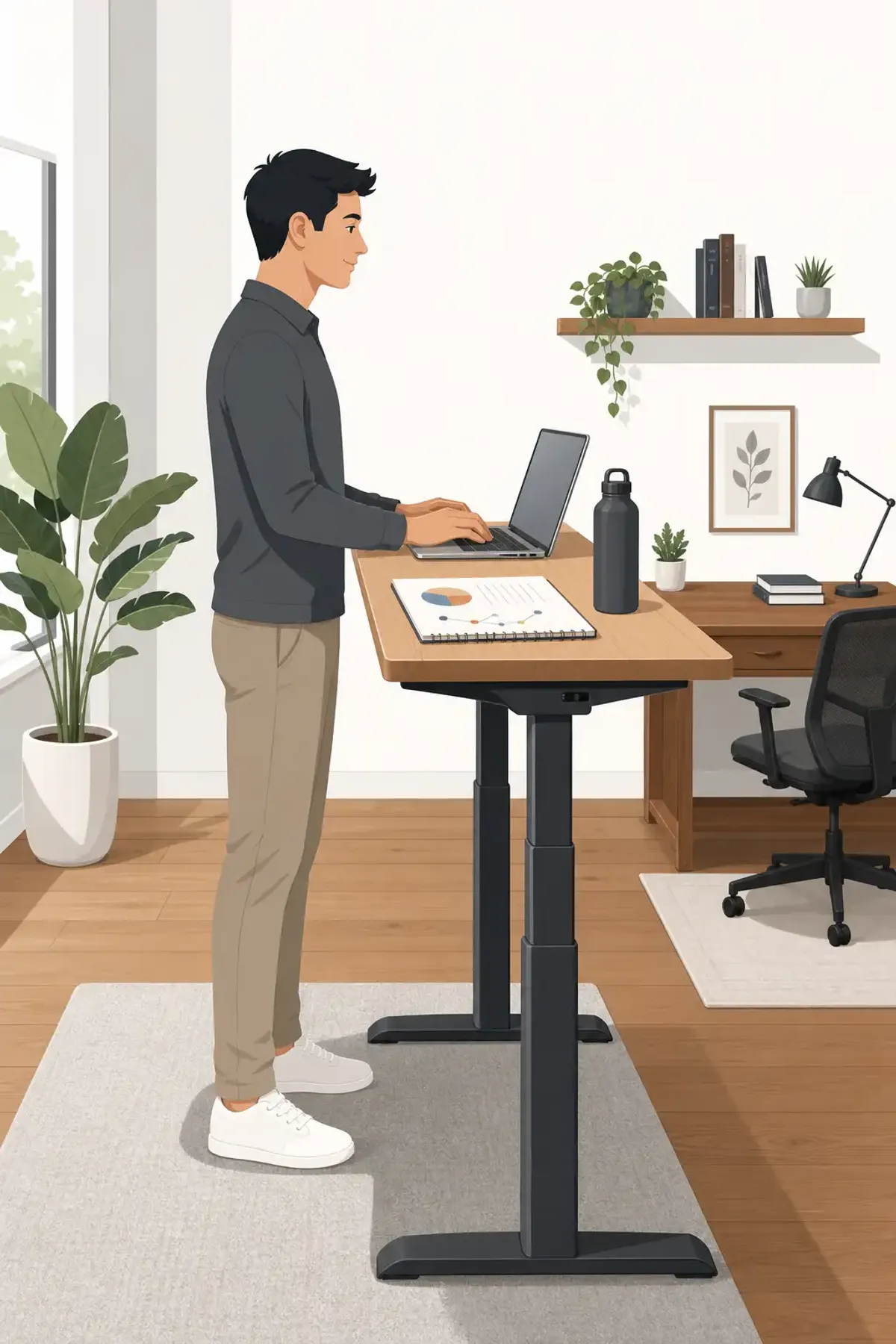
Standing desks went from office curiosity to corporate standard in about five years. The pitch was compelling: sitting is the new smoking, standing burns more calories, and an upright posture makes you more alert and productive. But after a decade of research and widespread adoption, what does the evidence actually support?
What standing definitely helps
Back pain. The most consistent finding across studies is that alternating between sitting and standing reduces lower back pain. A 2018 study in the Journal of Occupational and Environmental Medicine found that participants using sit-stand desks reported a 50% reduction in back and neck pain after several weeks. The mechanism is straightforward: standing changes spinal loading and engages postural muscles that atrophy during prolonged sitting.
What standing doesn’t help much
Calorie burn. The difference is modest — about 8-10 extra calories per hour compared to sitting. Over an eight-hour workday, that’s maybe 80 calories. You can’t out-stand a sedentary lifestyle. The caloric benefit comes from the movement standing enables (shifting weight, pacing, walking to get water more often), not from standing itself.
Productivity. The evidence here is mixed and mostly inconclusive. Some studies show small improvements in alertness and task engagement. Others show small decreases in fine motor tasks that require precision (detailed mouse work, for example). For most knowledge work — coding, writing, analysis — standing appears to have no measurable effect on output quality or speed. It might make you feel more energetic, but that doesn’t necessarily translate to more or better work.
What standing might actually harm
Standing all day is not the goal. Prolonged standing comes with its own set of problems: varicose veins, joint compression, foot pain, and increased risk of cardiovascular issues in some studies of occupations that require all-day standing (retail workers, assembly line workers). The healthiest setup alternates positions throughout the day.
The anti-fatigue mat matters
If you’re going to stand, a quality anti-fatigue mat makes a significant difference. These mats encourage subtle leg movement that keeps blood flowing and reduces discomfort. A $30-50 mat dramatically improves the standing experience compared to a hard floor. Skip the cheap mats that compress to nothing — look for at least 3/4-inch thickness with beveled edges.
The ideal pattern: sit-stand-sit-move
The most evidence-backed recommendation: alternate positions every 30-60 minutes. Sit for a focused work block, stand for a meeting or call, sit again for another block, then take a walking break. The variation matters more than the total standing time. Your body needs movement, not one static position — even a “better” static position.
The ergonomics still matter
A standing desk isn’t ergonomic by default. The monitor should be at eye level (top of screen at or slightly below eye height). Arms should be at roughly 90 degrees with wrists straight. If you’re hunching over a standing desk set too low, you’ve traded sitting-related problems for standing-related ones. Get the height right.
For more on workplace productivity, see our remote worker strategies and why time management fails.

Discussion
Comments
Share a helpful tip, question, or takeaway from Standing Desks and Productivity: What the Data Actually Shows After a Decade of Hype.
0 Comments
Loading comments…