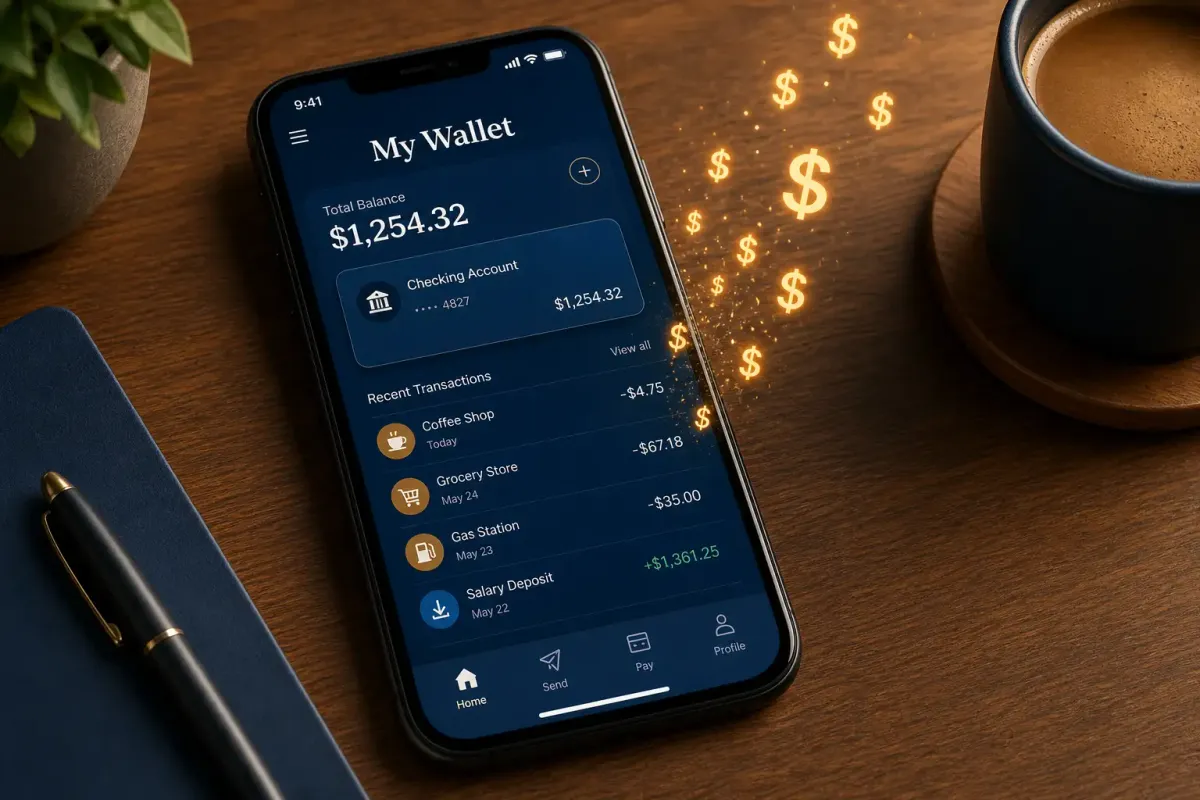
Digital wallets like Apple Pay, Google Pay, and Venmo have made spending frictionless — and that’s exactly the problem. When payments take one tap instead of pulling out cash or a physical card, the psychological barrier drops. A 2026 survey by Bankrate found that 61% of mobile wallet users admit they spend more than they did when they used cash or cards, with the average overspend reaching $29 per month.
That’s $348 a year vanishing into a frictionless void. Here are seven specific ways mobile payments are costing you — and what to do about each one.
1. The Auto-Tip Default
Food delivery and ride-share apps typically default to tip percentages of 18%, 20%, or even 25% on the payment screen. One tap and you’ve tipped more than you meant to.
A Consumer Reports analysis found that diners using mobile payment at table-service restaurants tipped an average of 22.3%, compared to 18.7% for those paying with cash or card. On a $60 meal, that difference adds $2.16 — small per transaction, but it compounds fast.
Fix: Go into each app’s settings and lower the default tip percentage. Uber Eats, DoorDash, and Grubhub all let you set a custom default. Also check your last five transactions — you might be surprised at what you’ve been auto-tipping.
2. The Foreign Transaction Fee Trap
Your mobile wallet linked to a credit card might look borderless, but the card behind it still charges the same foreign transaction fees. Worse, some digital-first banks like Revolut and Wise advertise “no foreign transaction fees” but slip in weekend markup or exchange rate padding that traditional banks disclose more clearly.
According to NerdWallet’s 2026 fee comparison, the average foreign transaction fee across major U.S. issuers remains 2.7%, but the effective rate with embedded exchange markups can reach 4.1% on some fintech platforms.
Fix: Read the fee schedule for the actual card linked to your digital wallet — not just the wallet app’s marketing. If you travel regularly, get a dedicated no-foreign-transaction-fee card and make that the default in your wallet.
3. The Subscription That Renewed Because You Couldn’t Find the Cancel Button
Companies are legally required to make cancellation as easy as sign-up under the FTC’s updated “click to cancel” rule, but enforcement has been uneven in 2026. Mobile subscriptions — especially those started through Apple’s in-app purchase system or Google Play — often bury cancellation settings three or four menus deep.
A June 2026 report from Chase Bank’s cardholder data team showed that the average American maintains 4.7 subscriptions they don’t use, totaling $91.44 per month. Streaming services alone account for $38 of that.
Fix: Open your Apple ID subscription list (Settings > Apple ID > Subscriptions) or Google Play’s equivalent. Cancel anything you haven’t used in the last 30 days. Then set a recurring calendar reminder every three months to audit again.
4. The Cash-Back Category You’re Missing
Many mobile wallet users don’t realize that the default card in their digital wallet might not be the best one for the purchase they’re making. If your Apple Pay defaults to a debit card but you’re buying groceries, you’re leaving 3-6% cash back on the table by not using a card with a grocery category bonus.
Bankrate’s 2026 rewards optimization study found that consumers who manually select the right card per category earn an average of $274 more per year in cash back and points compared to those who use a single default card.
Fix: Check which categories your cards reward. If one gives 5% on dining and another gives 3% on groceries, memorize it or add a small sticker to the physical card as a reminder. Some third-party apps like CardPointers can also automate the recommendation.
5. Peer-to-Peer Payment “Convenience” Fees
Venmo, Cash App, and Zelle have trained us that sending money is free — but only for certain transaction types. Sending money via credit card on Venmo incurs a 3% fee. Instant transfers to your bank account cost 1.75% (capped at $25) on Venmo and 0.5-1.75% on Cash App.
A PYMNTS.com study from early 2026 found that 34% of peer-to-peer payment users had paid at least one fee they didn’t realize they were being charged, with the median unexpected fee being $4.87.
Fix: Use the free standard transfer option (1-3 business days) whenever possible. Never fund P2P payments with a credit card unless it’s an emergency. If you use these apps for business, invoice through a proper payment processor instead — the fee structure is designed for consumers, not businesses.
6. The “Buy Now, Pay Later” Default at Checkout
Apple Pay Later, Klarna, Affirm, and Afterpay have embedded installment loan options directly into mobile checkout flows. The default selection is increasingly the installment plan rather than full payment. A CFPB report from May 2026 found that BNPL users who started with “just one” plan now hold an average of 3.8 active installment loans, and 22% have missed at least one payment in the last 12 months.
Fix: Disable BNPL as a default option where possible (Klarna and Afterpay let you do this in settings). At checkout, actively select “pay in full” rather than accepting the default.
7. Digital Wallet Data Is Being Sold
When you link loyalty cards to your mobile wallet for “convenience,” the transaction data generates a remarkably detailed profile of your spending habits. Retailers and payment networks are monetizing this data, and the discounts you get for sharing it often don’t come close to its actual value.
The Markup published an investigation in April 2026 showing that CVS, Walgreens, and Kroger loyalty programs — all accessible through mobile wallets — shared purchase data with Meta, Google, and data brokers in ways that most users didn’t understand they’d consented to.
Fix: The trade-off is real: you do get discounts. But limit loyalty card linkage to stores where you actually spend enough to make the discounts worthwhile. For everything else, skip the loyalty prompt. You can also submit data deletion requests through each retailer’s privacy portal.
Bottom Line
Mobile payments aren’t going anywhere — they’re genuinely more convenient and often more secure than carrying physical cards. But the gap between “convenient” and “costing you money” is filled with defaults that favor the payment provider, not the payer.
Take 20 minutes this weekend to audit your mobile wallet settings, linked subscriptions, and default tip percentages. A little friction added back into the payment process might save you hundreds by the end of the year.

Discussion
Comments
Share a helpful tip, question, or takeaway from 7 Mobile Payment Mistakes That Are Quietly Draining Your Bank Account in 2026.
0 Comments
Loading comments…